Make room for
movement
in your workday.
Office Chair Butt brings movement reminders, short desk breaks, and practical guides into the workday. Start wherever you are.
Small pauses. Everyday movement. Your own pace.
Your workday has room for a little movement.
1

Choose a moment.
Between tasks, after a meeting, or whenever a natural pause comes along.
2
Make a little space.
Step away from the screen. Find a little room to move at your own pace.
3

Move your way.
A stretch, a short walk, a change of position. Keep it simple and make it yours.
Office Chair Butt · iOS
A little nudge,
right where you need it.
Choose when you work and how often you want a nudge. The iOS app pairs local movement reminders with guided routines and a record of the breaks you take.
Free tools · start here
Make your desk day
work better for you.
Take a short movement break or check your workstation setup. Both tools run in your browser.
Follow a short seated or standing movement break at your own pace.
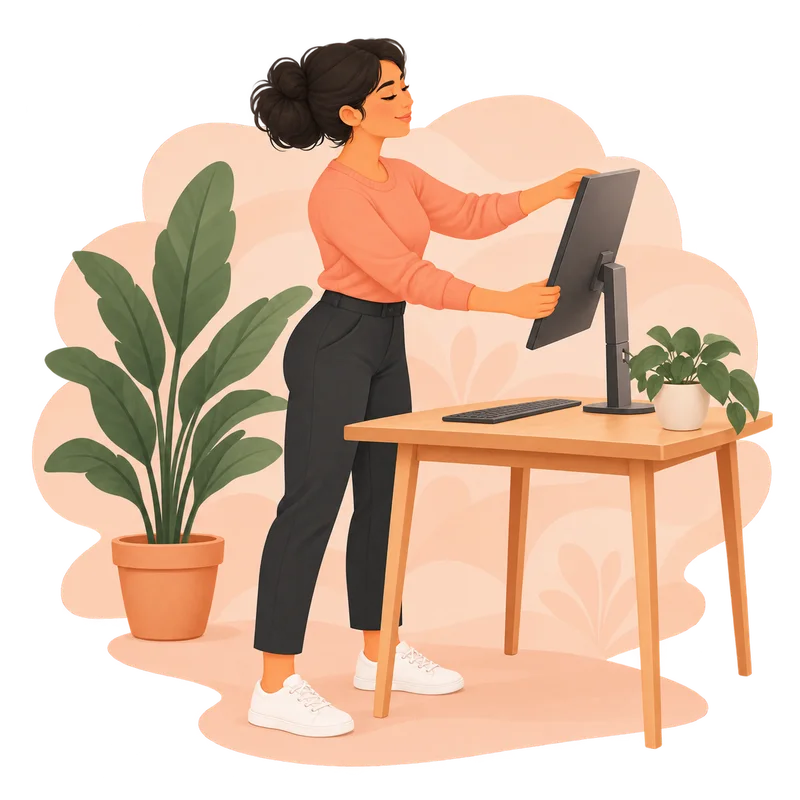
Answer a few workstation questions for practical setup suggestions.
The guide collection
Less scrolling.
More moving.
Pick a slower desk stretch or a more active desk exercise. Both guides give you clear steps you can use at work. Curious about the name? Read what “office chair butt” means.
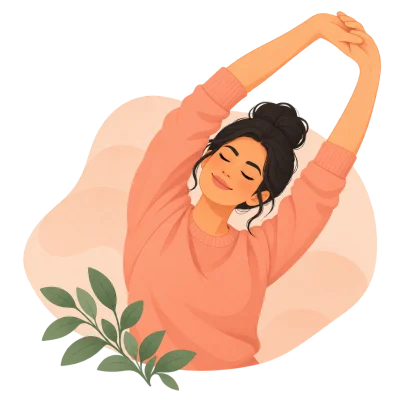
Seated and standing stretches for your neck, shoulders, chest, wrists, and legs.
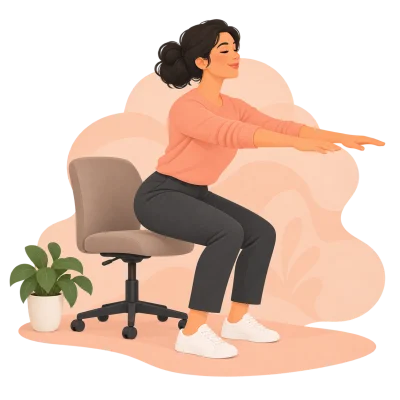
Sit-to-stands, calf raises, seated marching, and other active breaks near your desk.
Chrome extension · for your browser
A small pause
between tabs.
Office Chair Butt for Chrome is designed as a simpler reminder experience: choose a work schedule and interval, then take a short timed break between tasks.
Explore the Chrome extension and its current availability.
A few helpful answers
Good questions.
How the app, browser extension, and free website break fit together.
What is Office Chair Butt?
Office Chair Butt helps people who work at a desk make space for everyday movement. It brings together movement reminders, a free guided break, and practical desk stretches and exercises.
Can I take a desk break without installing an app?
Yes. Start the Guided Desk Movement Break in your browser, or follow a movement from the desk movement guides.
How are the iOS app and Chrome extension different?
The iOS app offers workday reminders, guided movements, and local activity history. The planned Chrome extension focuses on a lighter reminder and timed-break experience while you work in the browser. Each product page shows its current store availability.
Do I need an account?
No account is needed for the website break or guides. The iOS app uses local preferences and activity, and the planned Chrome extension is designed to keep its settings in your browser.
Make a little room for you.
Your work matters. So do the moments in between.